
What we do
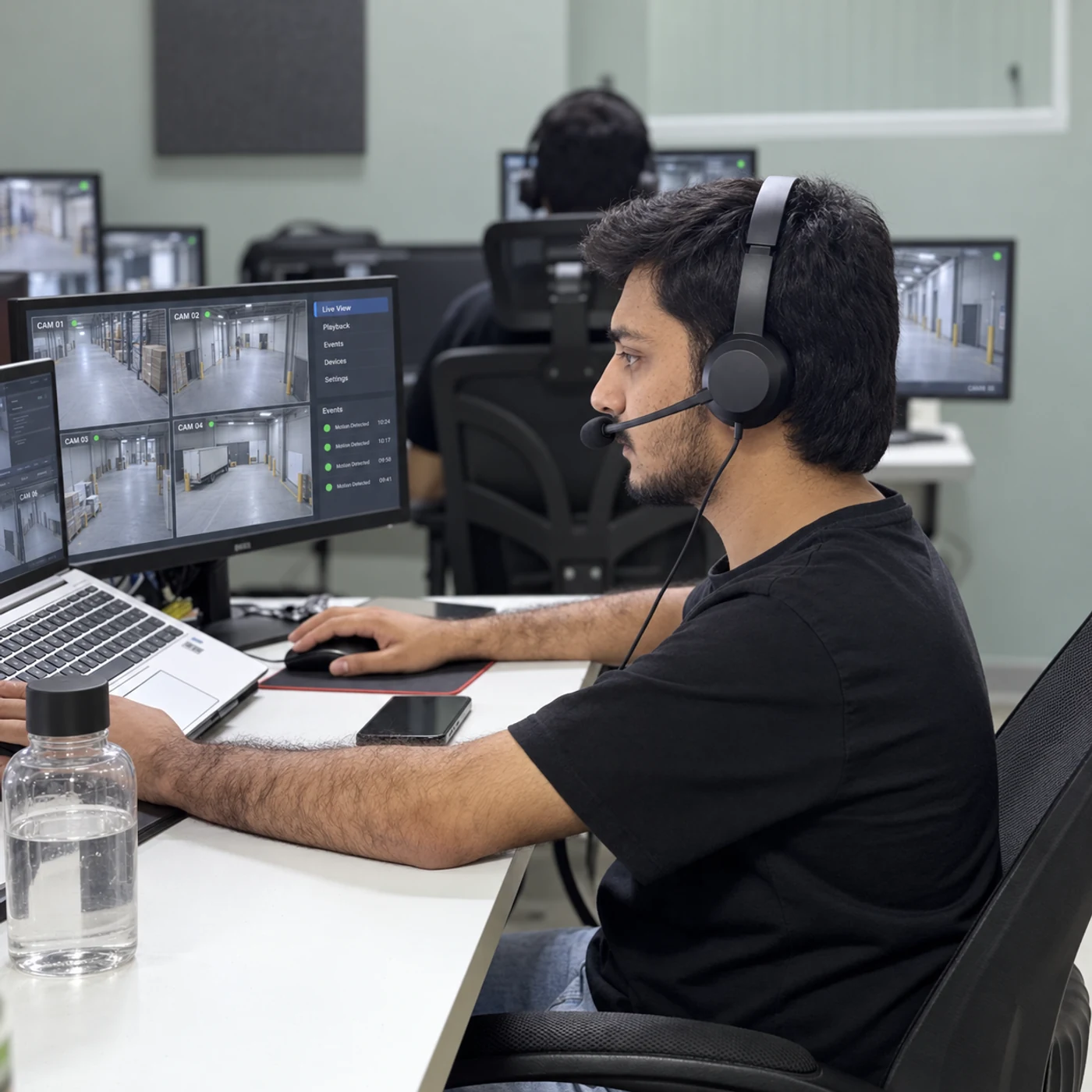
When an integrated alarm signals activity, Sentrix operators review the associated camera views to understand what is visible. Your site contacts receive useful observations alongside the alert, following the response instructions you have approved.
OUR CLIENTS
Businesses we work with across Pakistan.












Service details
The connection between an alarm zone and its camera view matters. We establish that relationship during setup and test the full path from alert to operator to site contact.
Coverage with a clear purpose.
We agree the views, checks and responsibilities before monitoring begins. Here is what we plan around your site.
- Focus 01
Connect the alert to the view
Match supported alarm events with cameras covering the same area.
- Focus 02
Review visible activity
An operator checks the available images and relevant event footage where the system supports it.
- Focus 03
Separate observation from uncertainty
We report what can be seen. An obscured view, offline camera or inconclusive image is treated as a limitation, not an all-clear.
- Focus 04
Follow your escalation plan
The event is routed to your authorised contacts with the location, visible activity and agreed next steps.
Benefits
Practical coverage should make the next decision clearer. These are the benefits we build the service around.
Context
01
Your team receives more than an alarm notification alone.
Priorities
02
Visible circumstances help your team decide what needs attention.
Coordination
03
The right site contacts receive the information they need.
A record
04
The review and escalation can be documented within the agreed reporting scope.
How we work
A plan built around your site.
From the first conversation to everyday operation, we define the setup and the people responsible at each step.
Alarm Video VerificationPakistan Step 01 / 05Review compatibility
Identify the alarm equipment, cameras and supported event integration.
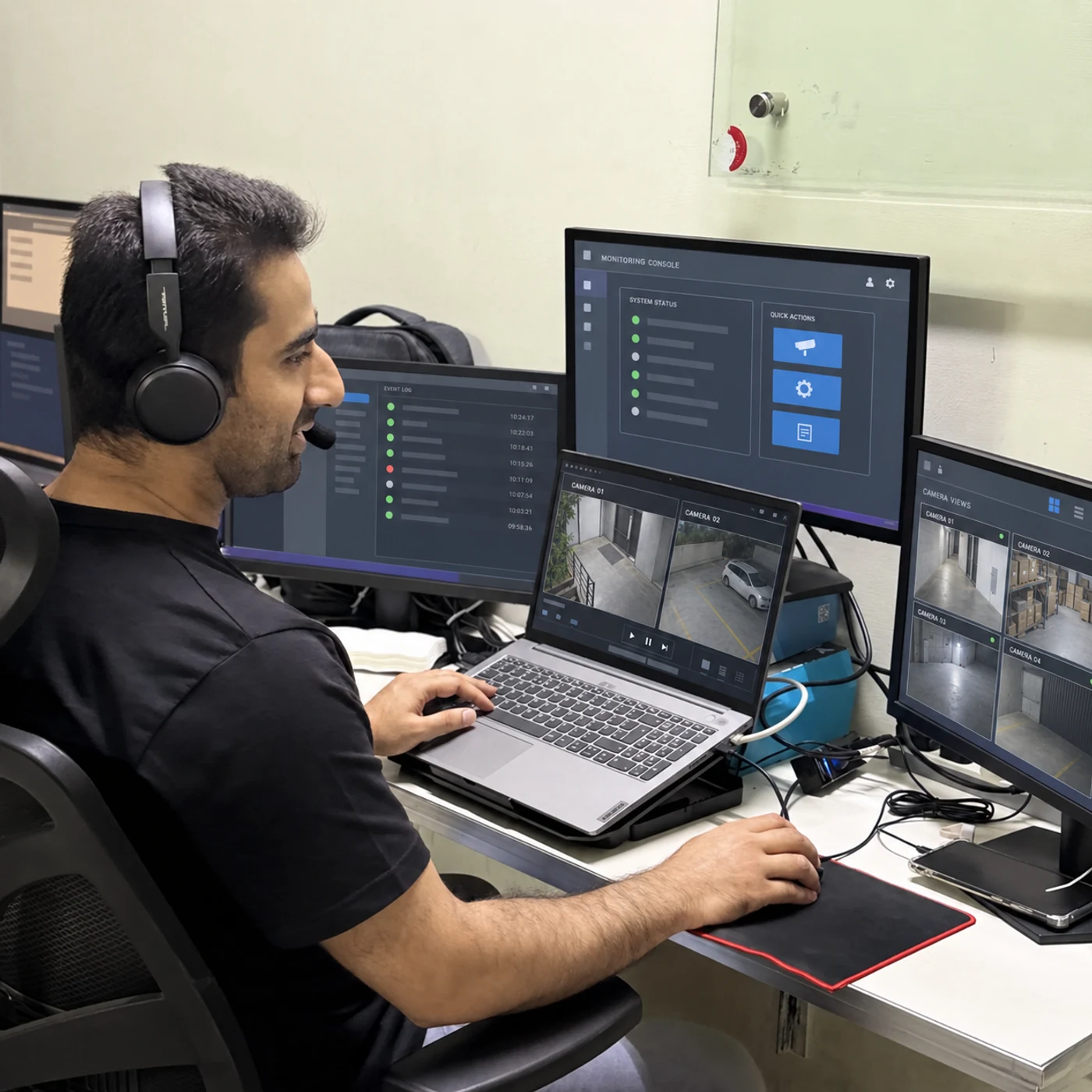
Alarm Video VerificationPakistan Step 02 / 05Map the zones
Pair each alarm area with useful camera views.
Alarm Video VerificationPakistan Step 03 / 05Define escalation
Set contacts and instructions for clear or inconclusive events.

Alarm Video VerificationPakistan Step 04 / 05Test an event
Check how the alarm reaches the operator and how the view is accessed.

Alarm Video VerificationPakistan Step 05 / 05Keep the mapping current
Update zones, views and contacts as the site changes.
Connected services
Bring the right services together.
- Connect the alert to the view
- Review visible activity
- Separate observation from uncertainty
- Follow your escalation plan
- Connect the alert to the view
Will this work with every alarm system?
No. Alarm delivery, video access and integration depend on the equipment and software. We confirm the supported setup first.
Does verification guarantee that every alarm can be explained?
No. The event may be outside the view, obscured or no longer visible. Operators report the limits of the available video.
Will Sentrix send police or guards automatically?
Physical response and any emergency contact procedure must be explicitly defined in your plan. Video verification alone does not include an automatic dispatch guarantee.
Is this continuous monitoring?
This service is triggered by supported alarm events. Live and continuous monitoring are available as distinct services.
Keep exploring
All services