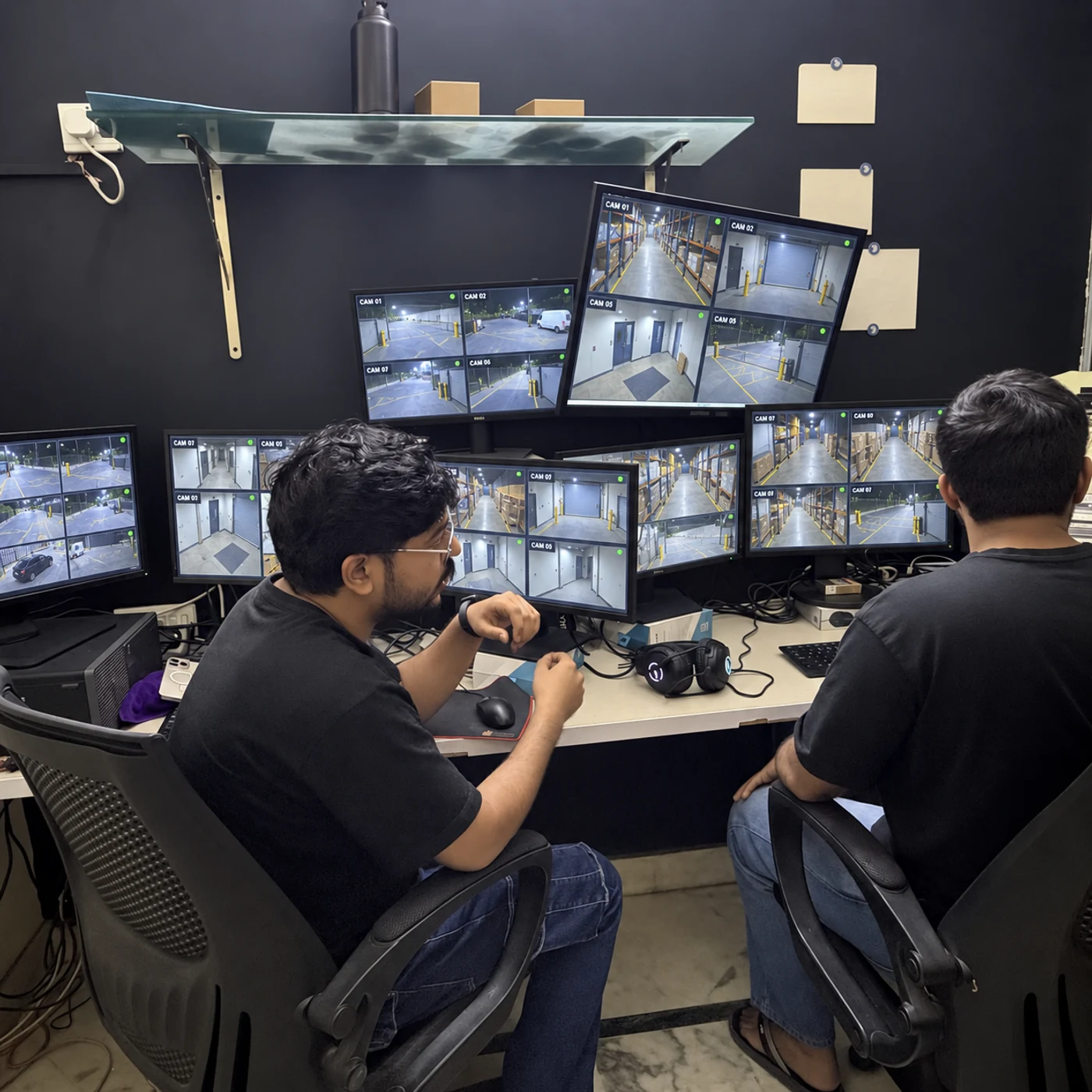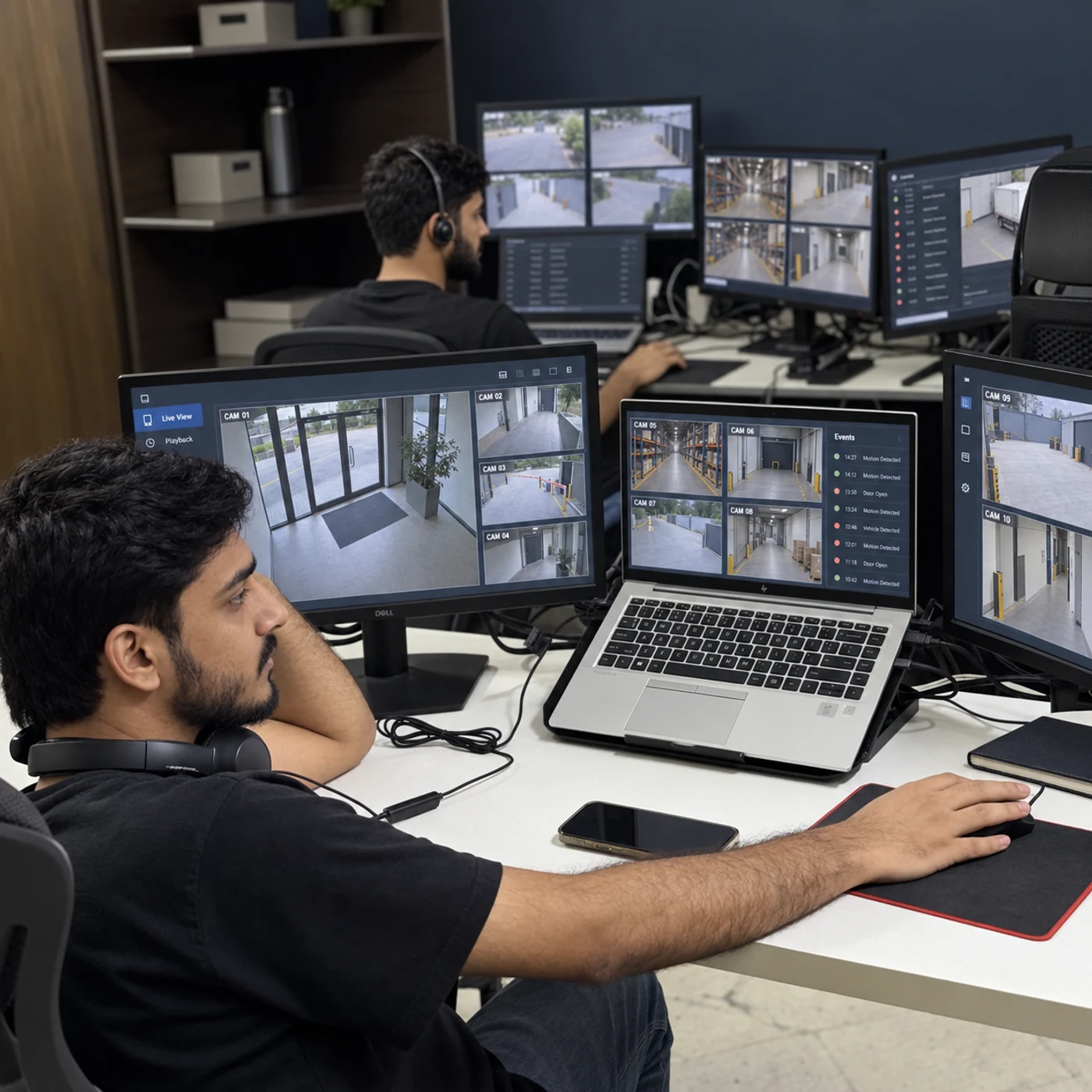
What we do
Sentrix configures supported cloud video analytics to help identify activity in your camera views. The starting point is the event you want to understand: movement in a restricted area, a boundary crossing or activity outside normal hours.
OUR CLIENTS
Businesses we work with across Pakistan.












Service details
We begin with the purpose of each alert. Camera placement, software compatibility and testing are considered together so the output has a practical use for your team.
Coverage with a clear purpose.
We agree the views, checks and responsibilities before monitoring begins. Here is what we plan around your site.
- Focus 01
Rules for real events
Select supported detection rules around your operational priorities, rather than enabling every available notification.
- Focus 02
Zones and schedules
Define the relevant parts of the image and the times when a rule should apply.
- Focus 03
Testing in ordinary conditions
Evaluate the setup against lighting changes, shadows, traffic and the movement expected at your site.
- Focus 04
A route for reviewing alerts
Decide who receives analytics events, what needs operator review and how useful findings are escalated.
Benefits
Practical coverage should make the next decision clearer. These are the benefits we build the service around.
Focus
01
Configured rules help highlight the activity you want reviewed.
Consistency
02
Detection settings can be documented across selected cameras.
Less searching
03
Supported event filters can help locate relevant activity in footage.
Useful alerts
04
Tuning and human review help your team interpret the results.
How we work
A plan built around your site.
From the first conversation to everyday operation, we define the setup and the people responsible at each step.
Cloud Video AnalyticsPakistan Step 01 / 05Choose the events
Define the activity and decisions the analytics should support.
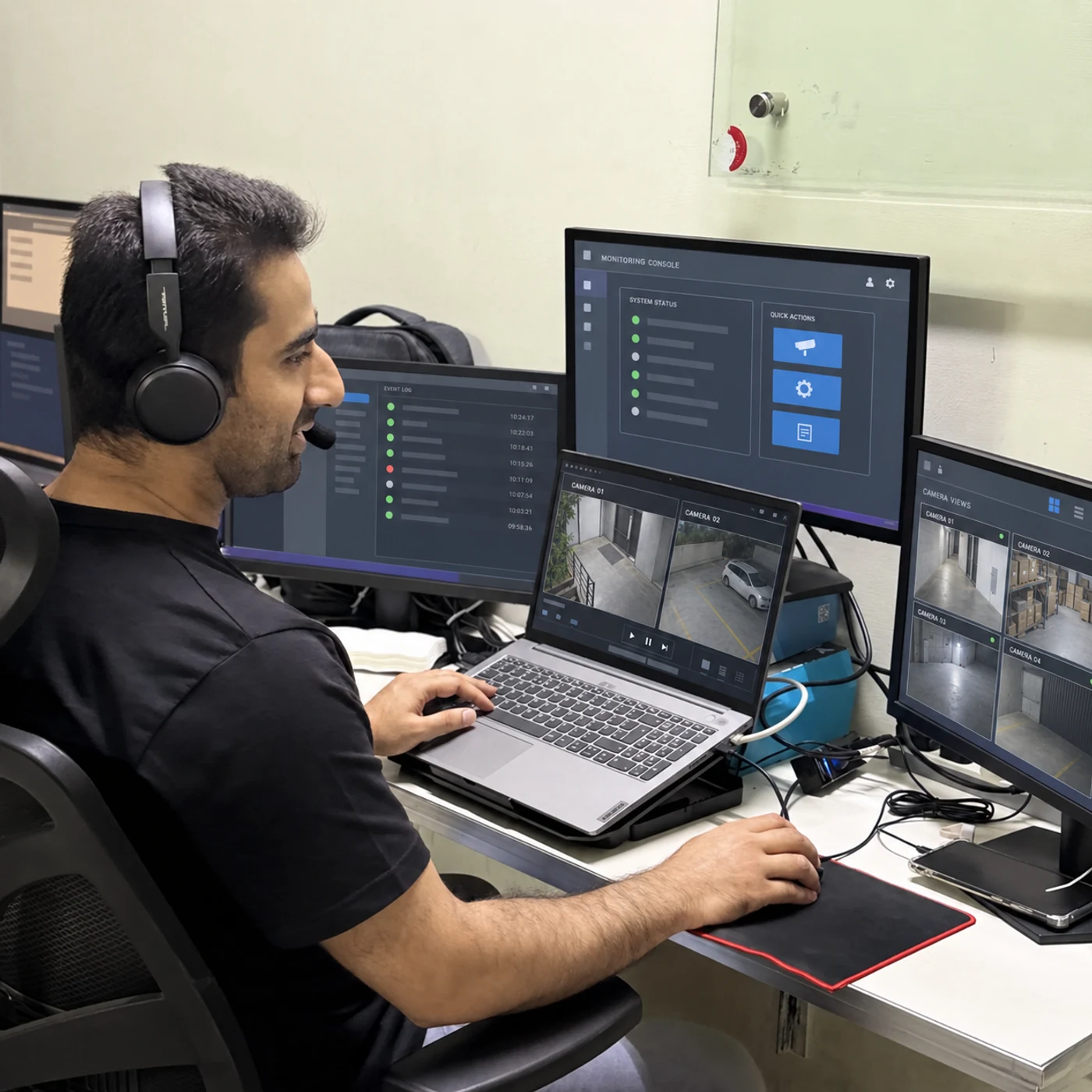
Cloud Video AnalyticsPakistan Step 02 / 05Check the platform
Confirm camera compatibility, licensing, bandwidth and storage arrangements.
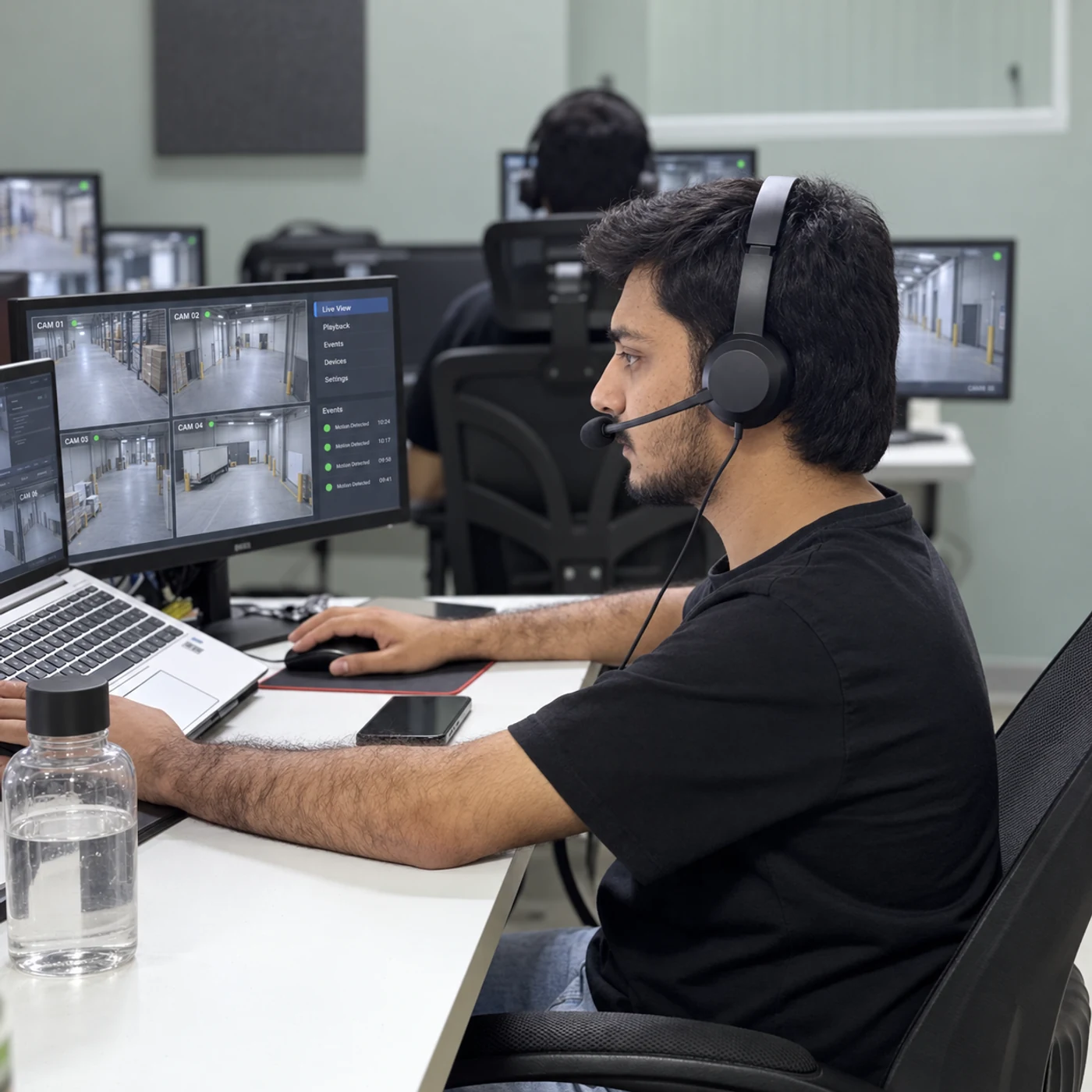
Cloud Video AnalyticsPakistan Step 03 / 05Configure the rules
Set supported zones, schedules and thresholds.

Cloud Video AnalyticsPakistan Step 04 / 05Test and tune
Review normal activity and adjust the setup.

Cloud Video AnalyticsPakistan Step 05 / 05Agree access and retention
Document authorised users, footage handling and ongoing review.
Connected services
Bring the right services together.
- Rules for real events
- Zones and schedules
- Testing in ordinary conditions
- A route for reviewing alerts
- Rules for real events
Will analytics work with any camera?
Compatibility depends on the camera, recorder, cloud platform and available integration. We check the exact setup before confirming features.
Can AI remove all false alarms?
No. Analytics must be tested against the scene and reviewed over time. Weather, lighting and ordinary activity can affect results.
Is cloud recording included?
Recording, storage location, retention, licensing and subscription charges are specified in the proposal. Analytics does not automatically include unlimited cloud storage.
Does this include a Sentrix customer dashboard?
Available software access is confirmed in the service scope. We do not assume a separate Sentrix dashboard or every vendor feature is included.
Keep exploring
All services